DiskMap
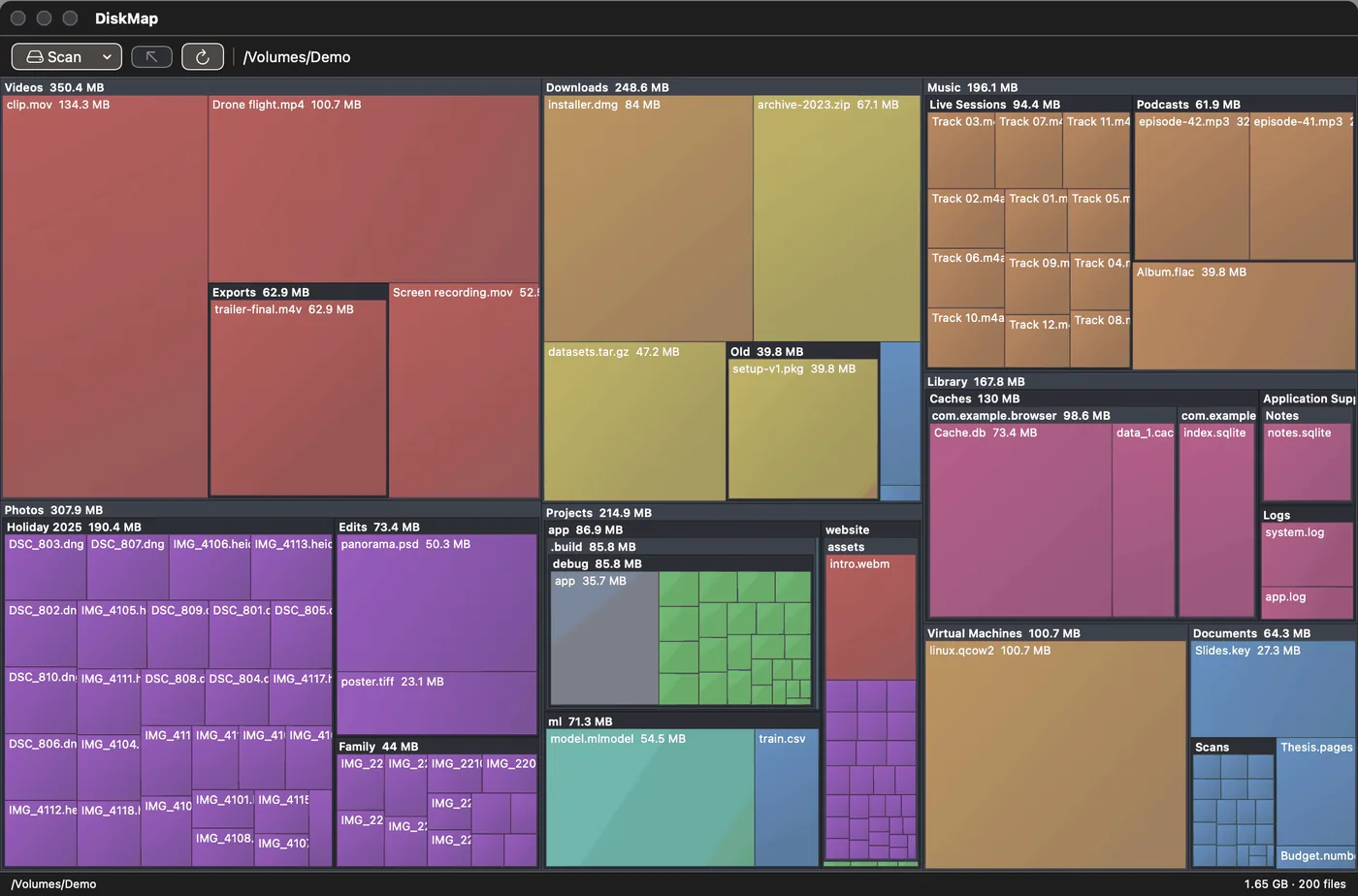
A macOS app that shows what is using your disk space as a nested treemap.
- Platform
- macOS 13 or later
- Build
- From source with Swift 5.9+ (Xcode 15 or the Command Line Tools):
./make_app.sh. No prebuilt download. - Source
- github.com/HighPriestCthulhu/DiskMap
- Licence
- None yet
What it does
Scans a folder, your home folder or the whole disk. Every file and folder becomes a rectangle sized by the space it occupies, drawn inside its parent folder and coloured by type: images, video, audio, archives, documents, code, binaries, disk images and caches.
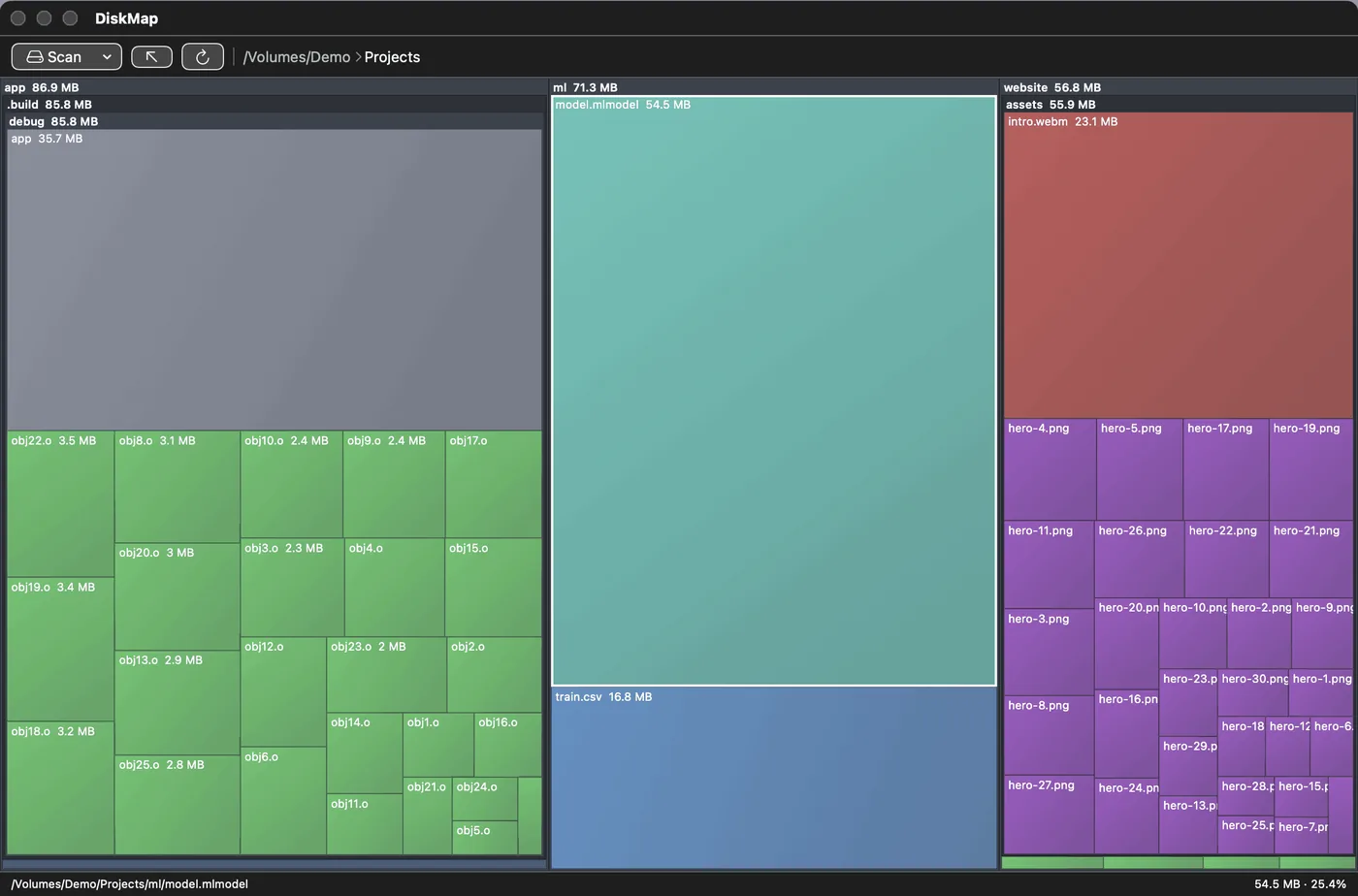
Double-click a folder to zoom in; Esc goes up a level. Right-click a tile to reveal it in Finder, open it, copy its path or move it to the Trash. Before trashing it shows the full path and size, and it refuses if the item has changed since the scan.
How it works
Each directory is read in one getattrlistbulk call, and folders are scanned in parallel. The scan stays on one volume and skips symlinks and cloud-storage mounts. In folders with more than 150 files, the smallest are grouped into one tile.
Limitations
Complete whole-disk scans need Full Disk Access. Builds are ad-hoc signed, so that permission has to be granted again after each rebuild. Nothing is deleted outright; items go to the Trash.