NoBrowser
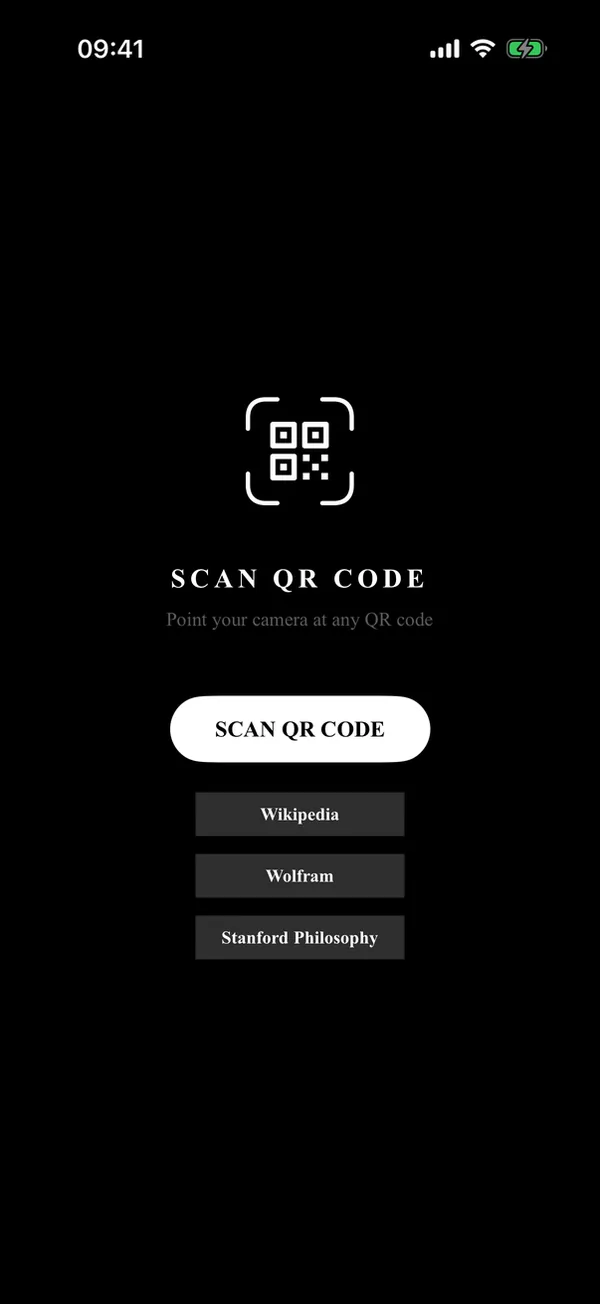
An iOS web browser with no address bar or search.
- Platform
- iOS 26.5 or later; QR scanning needs a real iPhone
- Build
- From source with Xcode 26: choose your own team and bundle identifier. Not on the App Store.
- Source
- github.com/HighPriestCthulhu/NoBrowser
- Licence
- None yet
What it does
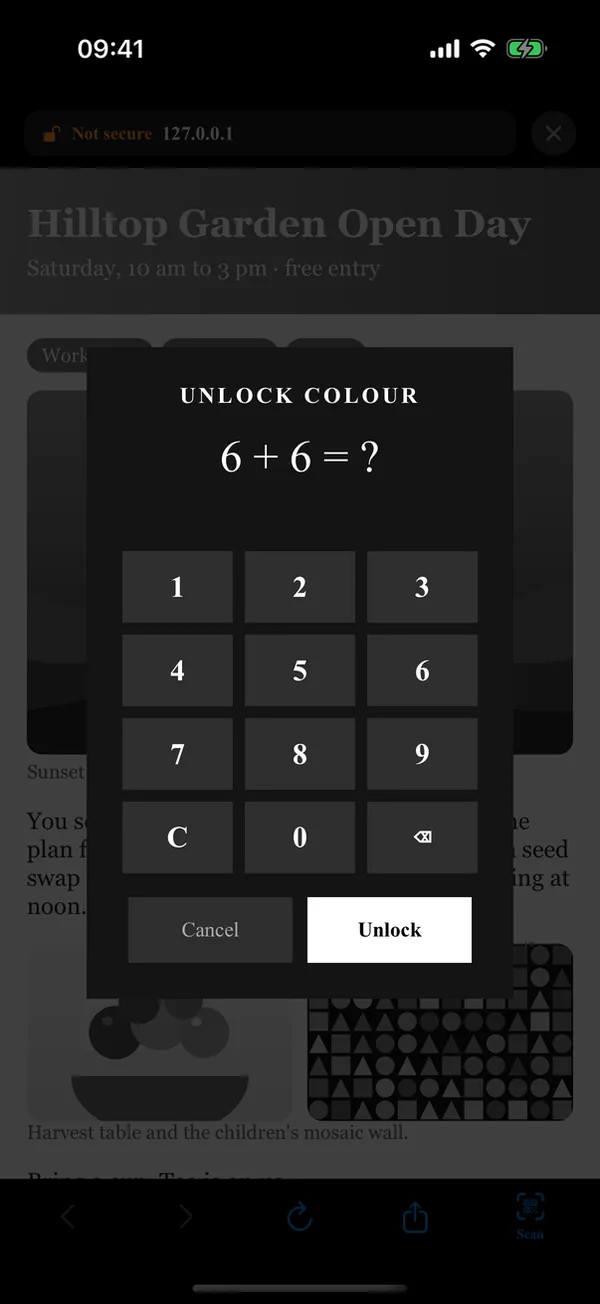
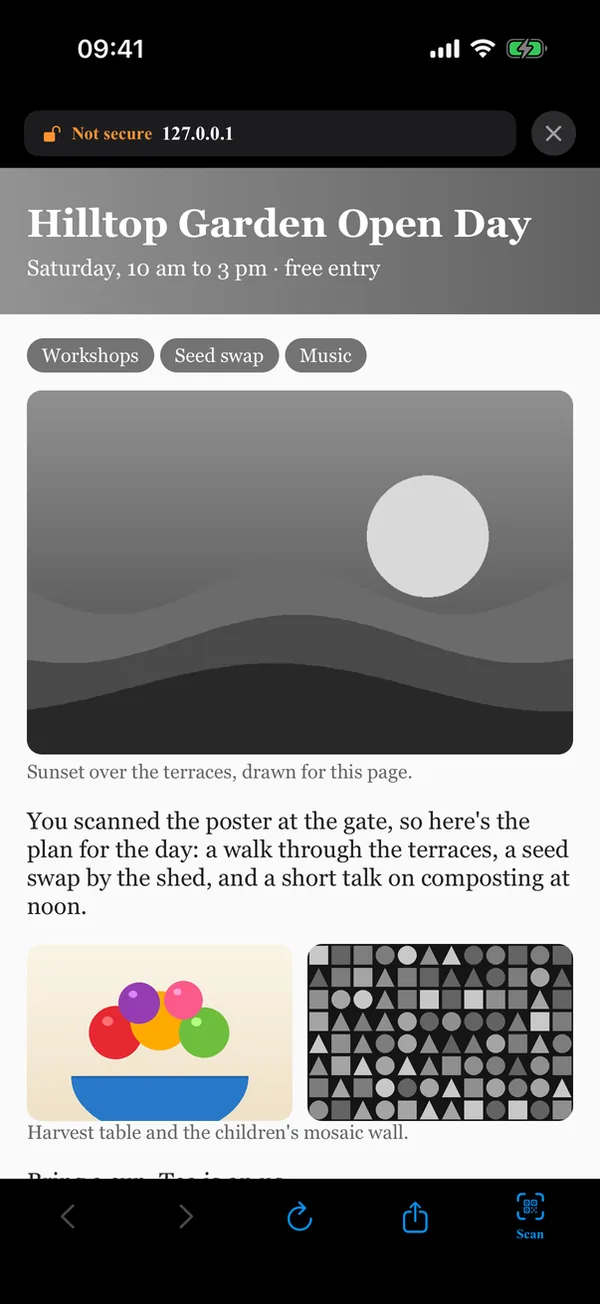
Pages open only from a scanned QR code (http and https only) or one of three built-in sites: Wikipedia, Wolfram Alpha and the Stanford Encyclopedia of Philosophy. Every page is shown in greyscale. Tapping an image asks a simple arithmetic question; answer it and that image shows in colour until you leave the page. The toolbar has back, forward, reload, share and scan.
How it works
A WKWebView with an injected greyscale overlay. The overlay script runs in a separate content world, so pages can't call it, and it is put back if a page removes it. Navigation is limited to http, https, blob and about pages; links to phone numbers, mail, the App Store and other apps are blocked. The address bar shows only the host, with a green padlock for https and Not secure otherwise.
Limitations
Images inside iframes stay grey. The overlay is cosmetic, so a page determined to defeat it can. NoBrowser can't be the default browser or receive links from other apps unless Apple grants the default-browser entitlement; the file is included but switched off.